
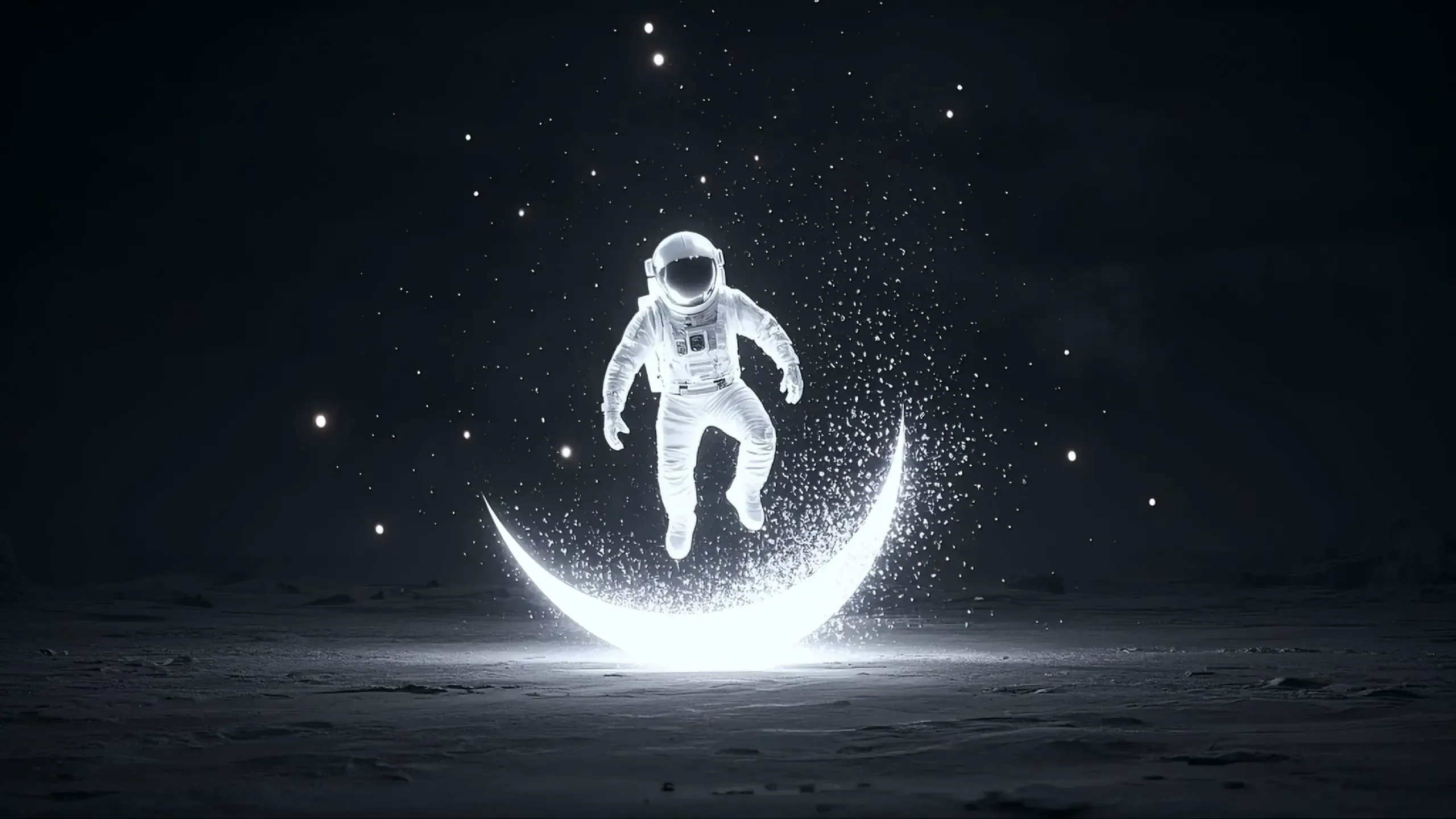
Create Cinematic Videos with HappyHorse AI Video Generator
HappyHorse is an AI video generator powered by Alibaba HappyHorse 1.0 model. It creates cinematic 1080p videos with smoother motion, stronger shot consistency, and better prompt control. Use HappyHorse for text-to-video ideas, image-led animation, and short multi-shot scenes that need to feel coherent from start to finish.
See What Creators Make with HappyHorse
What makes HappyHorse stand out
More stable multi-shot storytelling
A strong HappyHorse result feels like one sequence instead of disconnected clips. Character identity, atmosphere, and visual rhythm hold together better across shot changes.
Sharper 1080p output
HappyHorse can produce footage that looks cleaner and more production-ready. Better detail and lighting make the video easier to use in real deliverables.
Good for text and image led creation
You can move quickly from a text idea, or start from a still image when you need stronger visual anchoring before the motion layer is added.
Movement that feels less brittle
The biggest reason people test HappyHorse is motion. When it performs well, body movement, camera motion, and transitions feel more natural and less obviously synthetic.
Open the video generatorBetter response to scene direction
HappyHorse becomes more useful when it can hold onto the things you actually specified: subject, movement, framing, lighting, and tone instead of drifting after a few seconds.
Try a text-led promptUseful for reference and restyle workflows
HappyHorse is not only about first-pass prompting. It becomes more valuable when you want a reference to video workflow or when you need video to video AI for fast restyling.
Explore advanced modesHappyHorse features for cinematic video creation
Better motion synthesis
Subjects move with more confidence when the model handles body language, action timing, and camera motion with fewer brittle artifacts.
Text to video AI for fast ideation
Start with a written shot description when you want to explore multiple concepts quickly before locking a specific visual direction.
Image to video AI for stronger anchoring
Use a still frame when you need the subject, styling, or composition to stay closer to a known visual starting point.
Reference to video control
References are especially useful when identity, wardrobe, object design, or scene consistency matter more than open-ended experimentation.
Video to video AI restyling
Keep the timing and general movement of source footage while changing the visual treatment, tone, or atmosphere much faster than rebuilding it from zero.
Faster model comparison
HappyHorse is easier to evaluate when you can test several scene ideas quickly, compare versions, and keep refining the one that already feels closest to the result you want.
How to get better results from HappyHorse
Step 1: Pick the right starting point
Use text to video AI when you want speed and exploration. Use image to video AI or a reference-led setup when continuity and visual control matter more.
Step 2: Describe motion, framing, and mood clearly
Be direct about what the subject is doing, how the camera should move, what the lighting should feel like, and what mood the scene should carry.
Step 3: Review and iterate with purpose
Look at motion quality, transition smoothness, and prompt fidelity. Then revise only the parts that matter instead of rewriting the whole concept every time.
Frequently asked questions about HappyHorse
What is HappyHorse AI?
HappyHorse AI is an AI video generator powered by Alibaba HappyHorse 1.0 model, built for smoother motion, cleaner 1080p output, and stronger continuity across short scenes.
What makes HappyHorse interesting right now?
HappyHorse stands out for smoother motion, better continuity across short scenes, and 1080p output that can feel more usable for real creative work.
Is HappyHorse mainly for text to video AI?
Text to video AI is the fastest way to start, but HappyHorse also becomes more useful when you switch to image to video AI or add references for tighter control.
When should I use image to video AI instead of pure prompting?
Use an image when subject identity, framing, or styling needs to stay closer to a known visual starting point. It usually gives you a more stable base for motion.
Does HappyHorse work well for multi-shot scenes?
That is one of the reasons people test it. A strong HappyHorse result keeps the character, mood, and visual direction more consistent as the scene moves across multiple shots.
Can I use HappyHorse for reference to video workflows?
Yes. Reference-led generation is useful when you need more control over subject consistency, styling, or object design than a prompt alone can usually provide.
Is video to video AI relevant here too?
Yes. Video to video AI is helpful when you already have source footage and want to restyle it or shift its visual tone without rebuilding the entire scene from scratch.
Why does 1080p matter so much with HappyHorse?
Because cleaner 1080p output is easier to use in ads, social content, and presentations. It reduces the feeling that the clip still needs heavy cleanup before anyone can use it.
Do I need very long prompts to get good results?
Not necessarily. Clear prompts usually work better than long ones. Focus on the subject, motion, camera direction, lighting, and overall mood before adding extra detail.
What kinds of projects fit HappyHorse best?
Short cinematic clips, concept scenes, ad visuals, product storytelling, mood reels, and creative tests are all strong use cases when motion quality matters.
Is HappyHorse a free AI video generator?
HappyHorse can be offered through free or paid workflows depending on the product exposing the model. The best way to judge it is to test a few scenes and see how the output quality fits your needs.
How should I compare HappyHorse with other AI video generation models?
Use the same scene prompt across several models, then compare motion quality, prompt fidelity, scene continuity, and how much cleanup each result still needs.
Start creating with HappyHorse
HappyHorse works especially well for short cinematic clips, image-led animation, and multi-shot scenes that need stronger consistency.